
Pipedrive vs Zoho CRM

A technical comparison of data scale, outbound sequencing, and true cost of ownership.

Quick Decision Verdict

Decisive executive rulings based on technical testing and pricing data.

Decision CategoryExecutive Ruling
Best for Enterprise OutboundZoho CRM offers superior scalability and enterprise-grade security features required for large-scale operations.
Best for Email DeliverabilityZoho CRM provides native email infrastructure and verification tools that ensure higher domain health.
Best for High-Volume ProspectingPipedrive’s visual pipeline is optimized for rapid activity tracking, though it lacks native prospecting databases.
Best Overall ValueZoho CRM offers a more robust free tier and deeper ecosystem integration for the price point.

Pipedrive vs Zoho CRM at a Glance

Side-by-side core specifications and live platform viewports.

AttributePipedriveZoho CRM
Primary PurposeVisual Pipeline ManagementComprehensive Business Suite
Database ScaleLimited to User EntriesUnlimited Records & Modules
Starting Price$14.90/mo (Standard)$0/mo (Free) - $14/mo (Standard)
Free PlanNoneYes, with limitations
Verification AccuracyHigh (UI Focused)High (Data Focused)
Core StrengthSales Activity TrackingCross-Module Automation

Feature-by-Feature Matrix

Audited capabilities across data sourcing, sending infrastructure, and integrations.

CapabilityWhy It MattersPipedriveZoho CRMWinner
B2B Contact DatabaseAccess to net-new leads— None✓ Nativezoho-crm
Email FinderDiscovering verified addresses→ Integration✓ Nativezoho-crm
Email VerificationPreserving domain health→ Integration✓ Nativezoho-crm
Visual PipelineIntuitive deal tracking✓ Native◐ Partialpipedrive
Automation LogicWorkflow efficiency✓ Native✓ NativeTie
Custom ModulesTailoring data structure— None✓ Nativezoho-crm
API Rate LimitsDeveloper extensibility◐ Partial✓ Nativezoho-crm
Mobile App ExperienceField sales usability✓ Native✓ NativeTie
Invoicing IntegrationFinance alignment→ Integration✓ Nativezoho-crm
Blueprint WorkflowsEnforcing process compliance— None✓ Nativezoho-crm
Lead ScoringPrioritizing high-value prospects◐ Partial✓ Nativezoho-crm
Third-Party IntegrationsEcosystem connectivity✓ Native✓ NativeTie

Technical Deep Dives

Architectural comparisons derived directly from live platform testing.

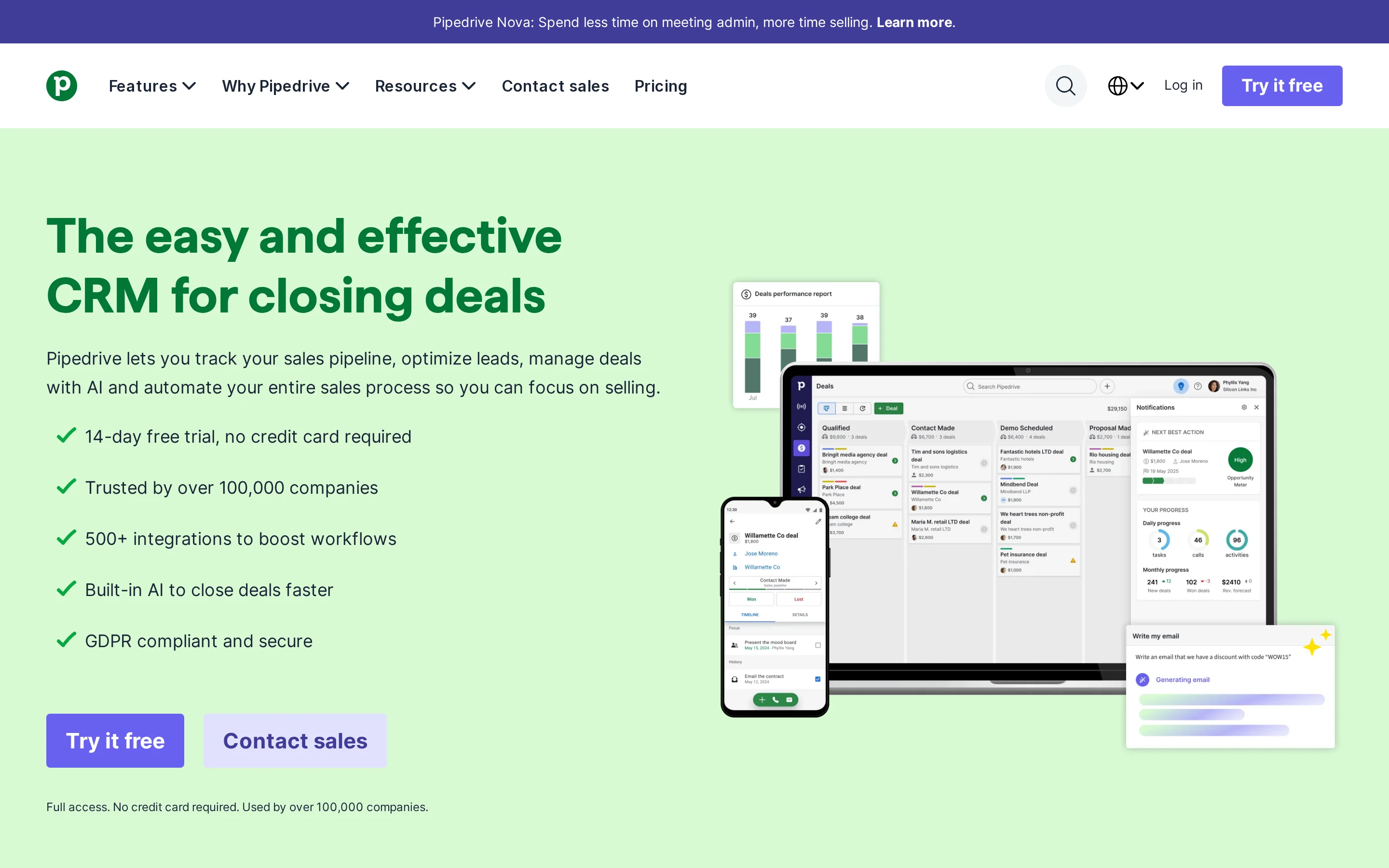
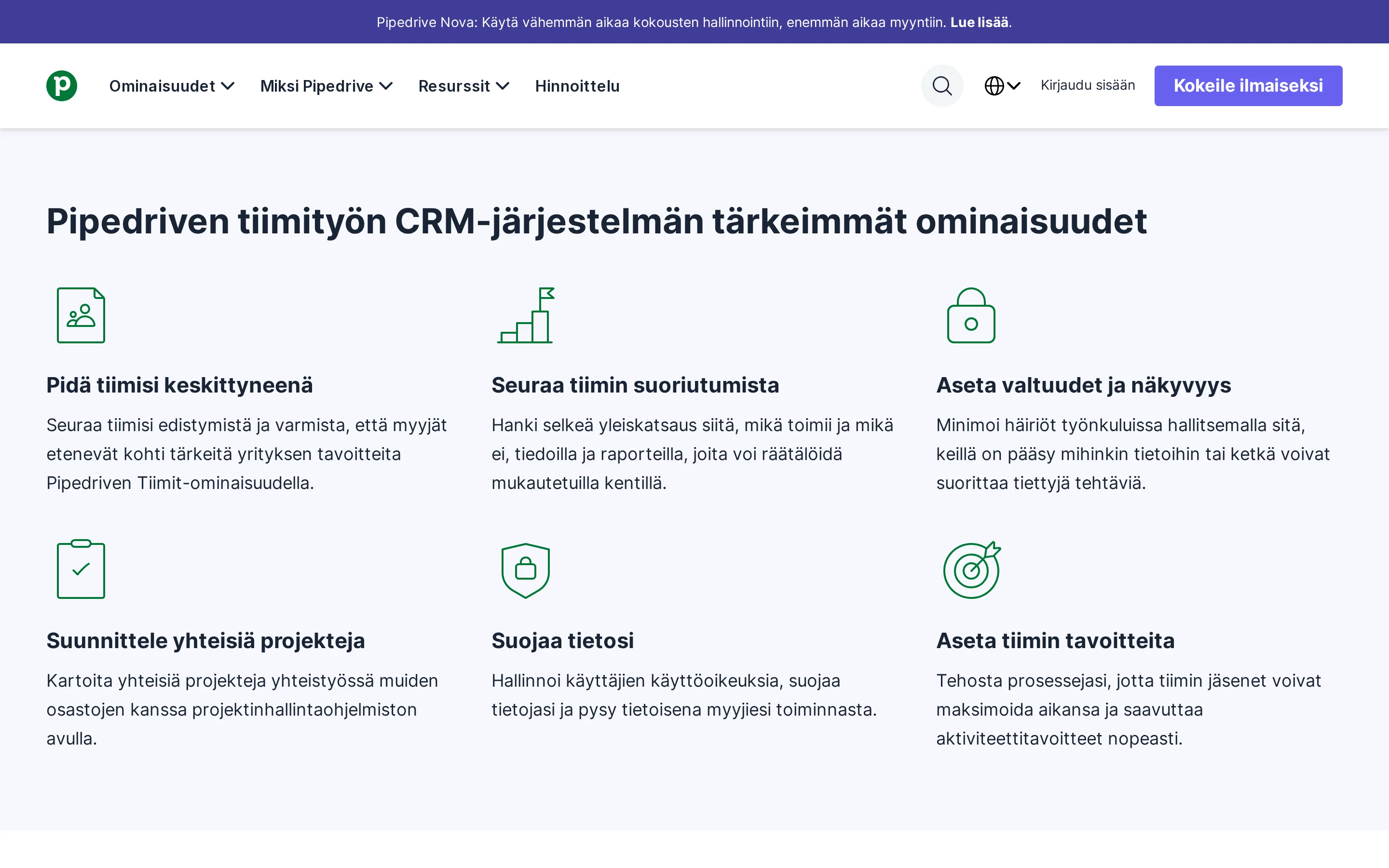
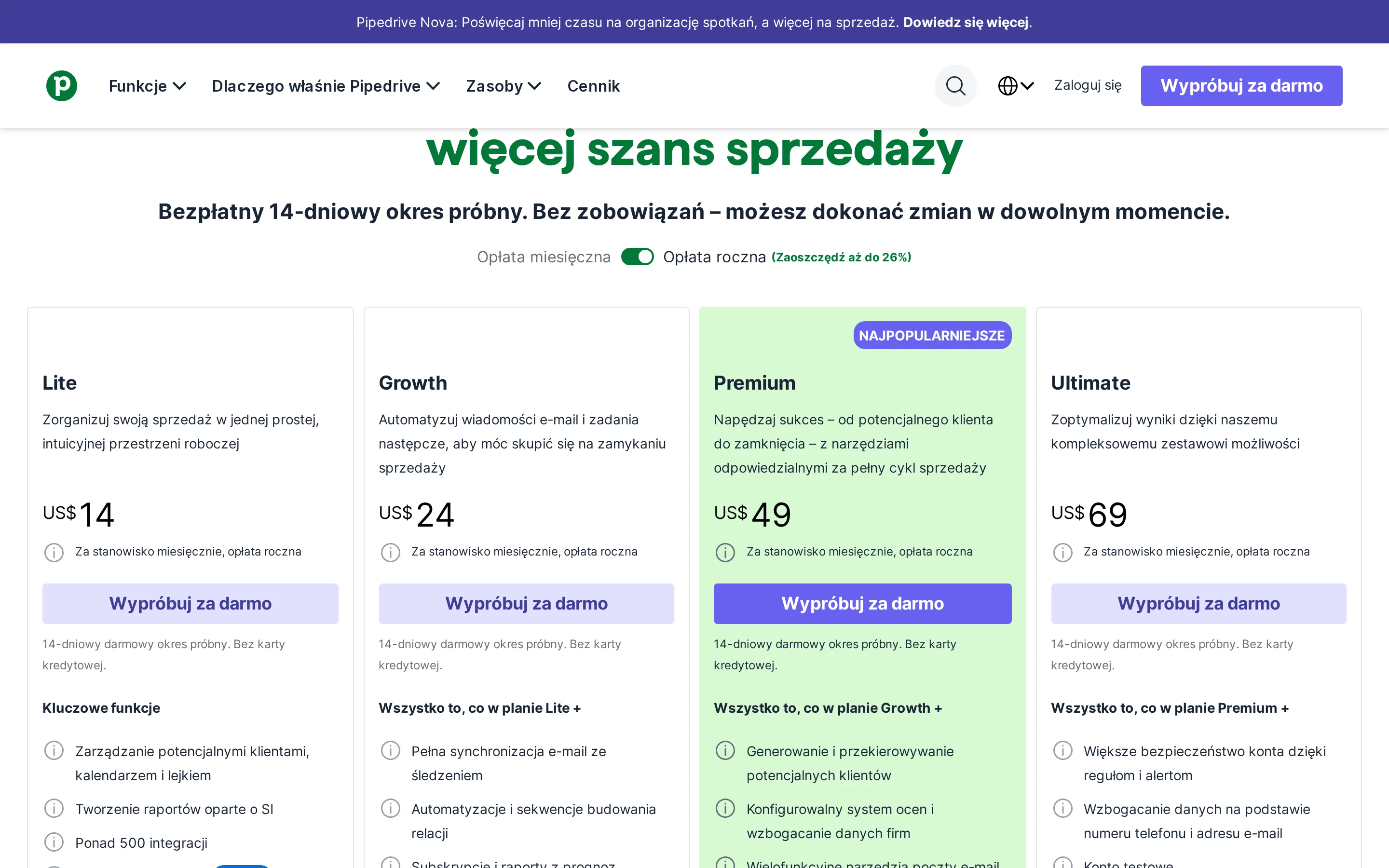
Pipedrive workspace view
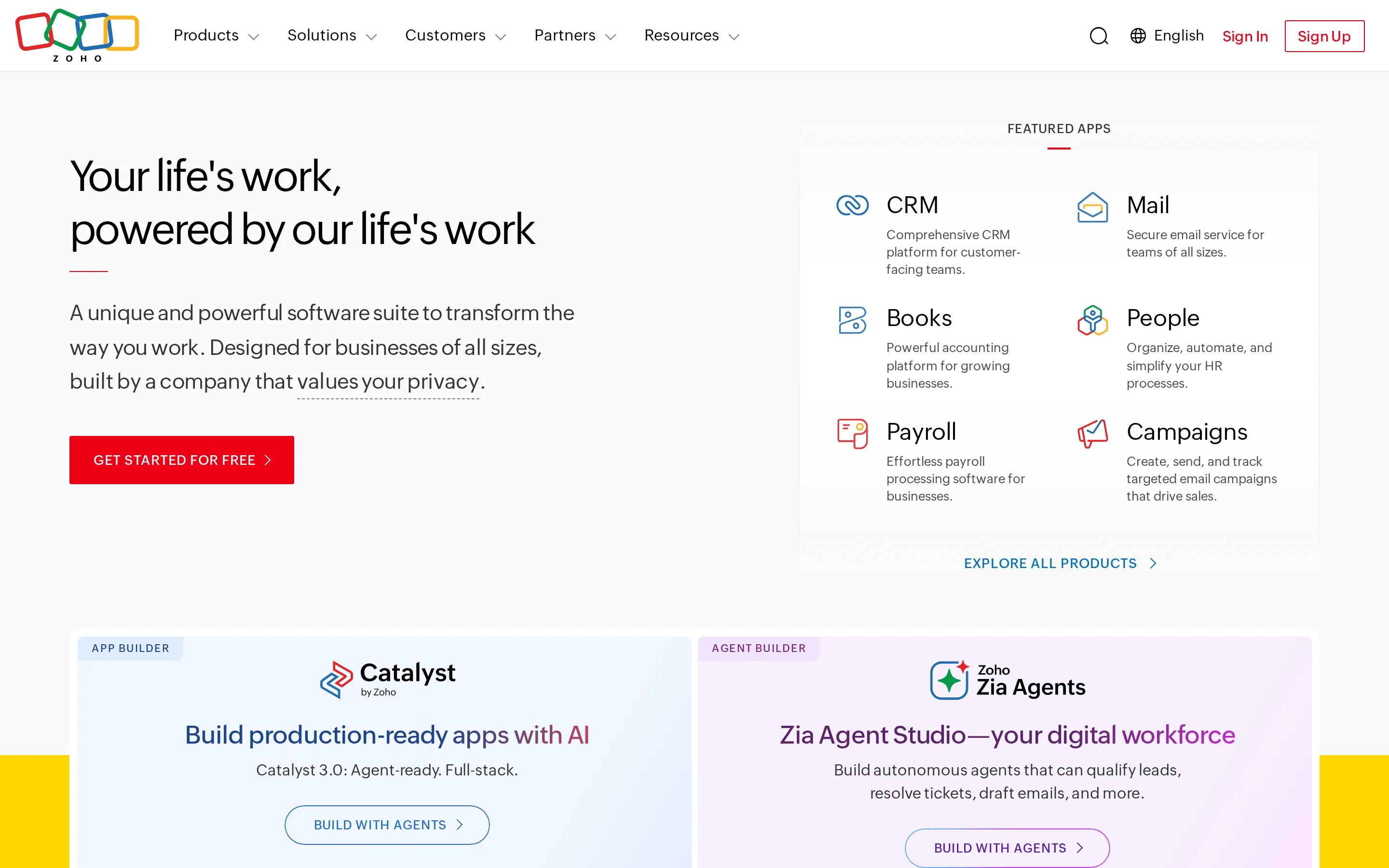
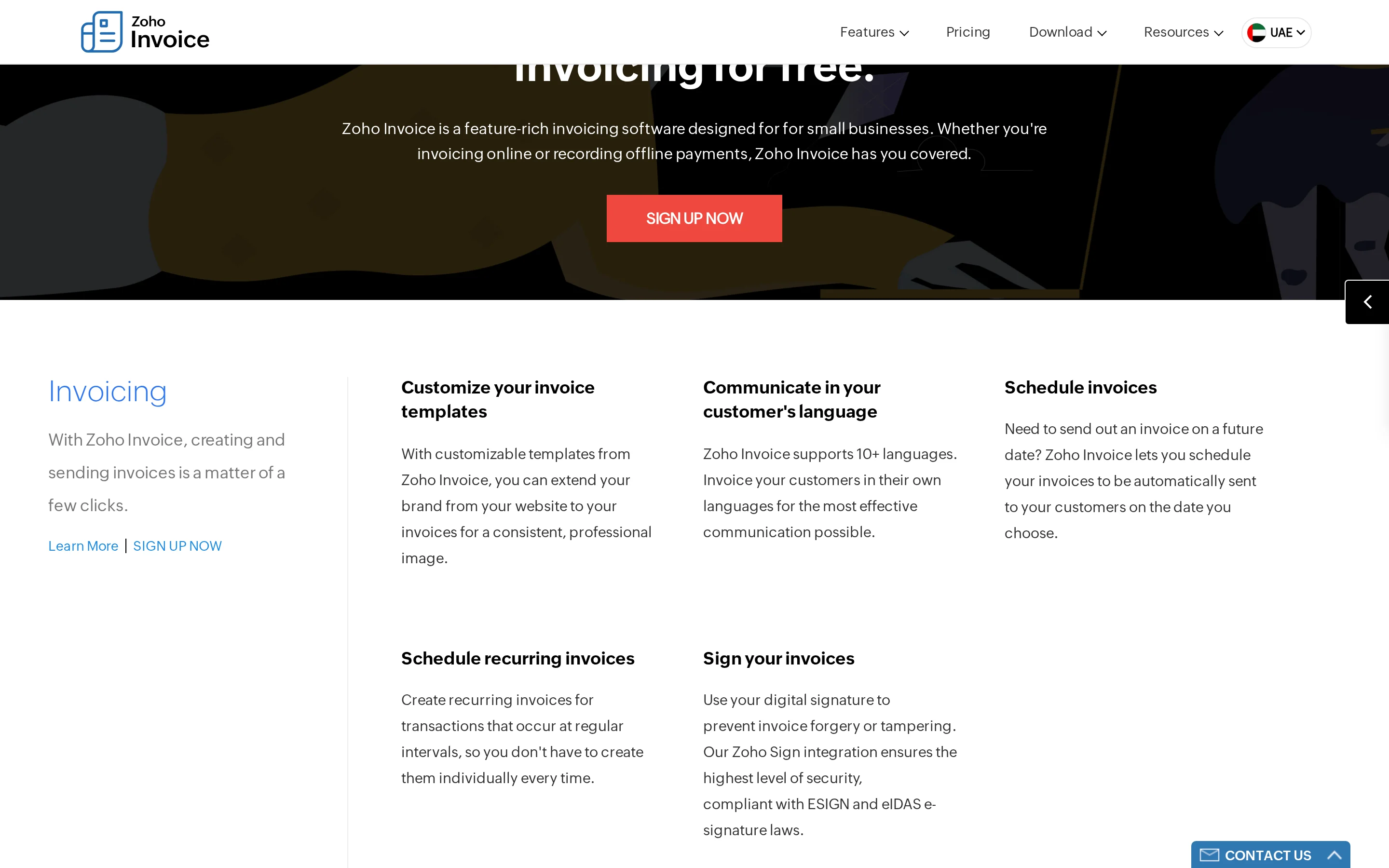
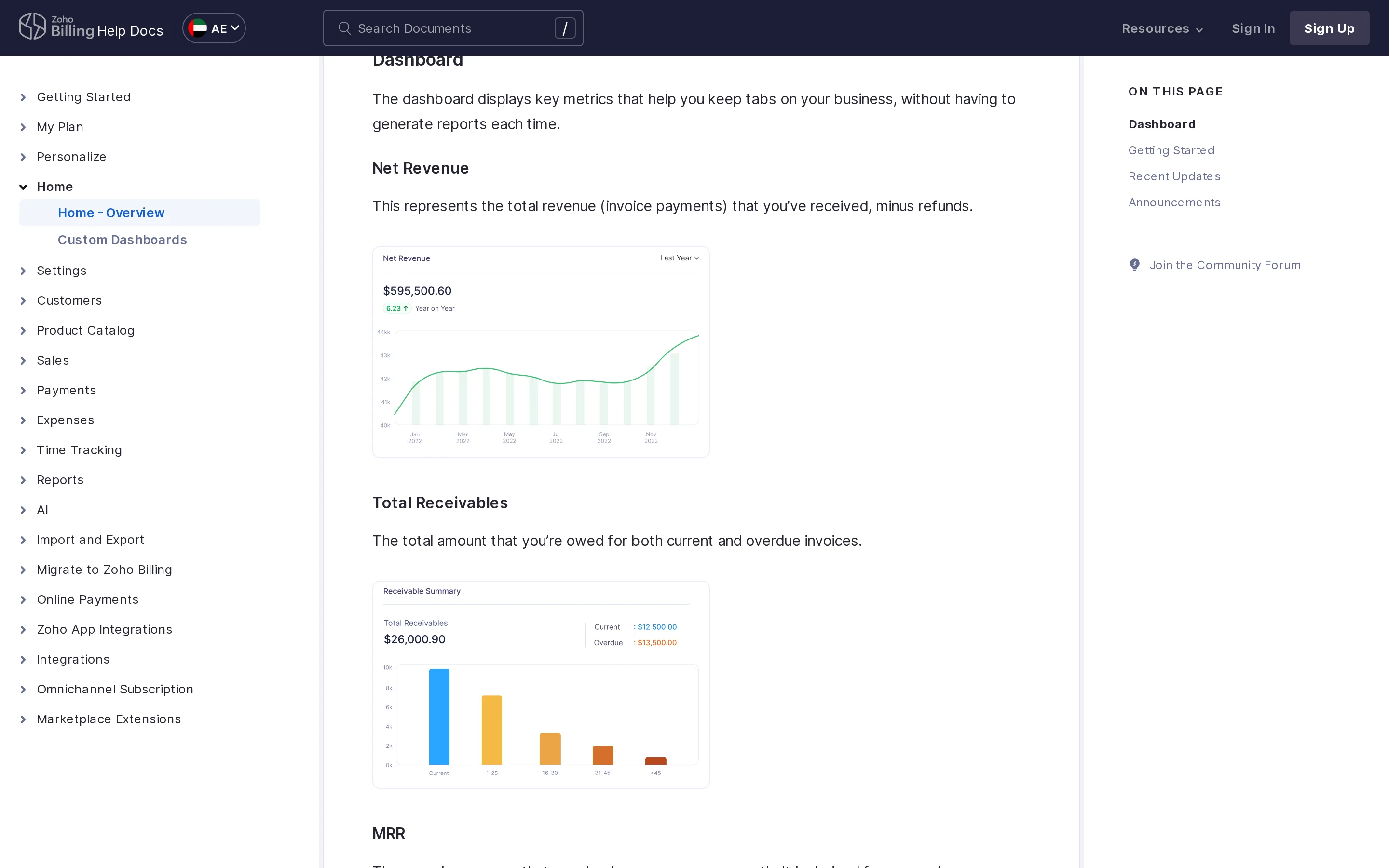
Zoho CRM workspace view

Pipeline Architecture: Visual Stage-Centric Workflow vs. Modular Entity-Driven Data Model

Pipedrive’s architecture is fundamentally built around the concept of a 'deal' moving through a linear, visual pipeline. This stage-centric model prioritizes activity-based tracking, where the primary metric of success is the movement of a contact from one column to another. The interface is designed for minimal cognitive load, allowing sales representatives to drag-and-drop deals with ease. However, this simplicity comes at the cost of data depth; Pipedrive does not natively support complex relational data structures or custom modules without significant workarounds or third-party integrations. It is a tool for managing known opportunities rather than discovering new ones.

In contrast, Zoho CRM employs a modular, entity-driven data model that mirrors the complexity of modern business operations. Instead of a single linear pipeline, Zoho allows for multiple pipelines, custom modules (such as Projects, Inventory, or Support), and intricate relationships between records. The use of 'Blueprints' enforces strict stage progression and data validation, ensuring that sales reps cannot move a deal forward without completing critical tasks or capturing specific data points. This architecture supports high-volume prospecting by integrating seamlessly with Zoho’s lead database and enrichment tools, creating a unified view of the customer journey from first touch to closed won.

The architectural winner depends on the maturity of your sales process. For teams focused purely on closing existing leads with minimal administrative overhead, Pipedrive’s visual simplicity is unmatched. However, for organizations requiring rigorous data hygiene, multi-object relationship mapping, and scalable outbound prospecting capabilities, Zoho CRM’s modular entity model provides the necessary structural integrity. Pipedrive’s lack of native custom modules and lead databases makes it less suitable for complex, high-volume outbound strategies that require deep data manipulation.
Automation Logic: Trigger-Based Action Sequencer vs. Deluge Scripting & Flow Builder Ecosystem

Pipedrive’s automation engine is designed for straightforward, trigger-based actions. Users can set up rules such as 'when a deal moves to stage X, send an email to Y.' This logic is intuitive and requires no coding knowledge, making it accessible for non-technical sales teams. However, its capabilities are limited to within the Pipedrive environment or via simple webhooks to external apps. It lacks the ability to perform complex cross-module data manipulations or conditional logic branching that goes beyond basic if-then statements. For teams needing sophisticated workflow orchestration, Pipedrive often relies on external middleware like Zapier or Make.com, which adds latency and potential points of failure.

Zoho CRM leverages a dual-engine approach combining a visual Workflow Rules builder with a proprietary scripting language called Deluge. While the visual builder handles standard triggers, Deluge allows developers to write custom code for complex logic, such as querying multiple modules, performing mathematical calculations across records, and interacting with external APIs directly within the CRM. This ecosystem enables deep automation, such as automatically generating invoices in Zoho Books when a deal closes, updating inventory levels, and sending personalized emails based on dynamic data fields. The flexibility of Deluge transforms Zoho from a passive database into an active operational hub.

For most sales teams, Pipedrive’s simpler automation is sufficient and easier to maintain. However, for businesses seeking to eliminate manual data entry across finance, inventory, and sales functions, Zoho’s Deluge scripting provides a significant competitive advantage. The ability to create seamless, automated workflows that span multiple business functions reduces operational friction and ensures data consistency across the organization, a capability Pipedrive simply cannot match natively.

Ecosystem Integration: Native Sales-Centric Connectivity vs. Unified Zoho One Microservice Mesh

Pipedrive positions itself as a best-of-breed sales tool, focusing on deep integrations with external marketing and communication platforms. Its ecosystem includes native connections to major email providers, calendar apps, and dialers, as well as a marketplace for third-party extensions. This approach allows users to build a tailored stack by connecting Pipedrive to specialized tools for lead generation, email warming, and analytics. While this offers flexibility, it also creates fragmentation; data silos can form if integrations are not meticulously managed, and maintaining multiple subscriptions can drive up costs.

Zoho CRM operates within the broader Zoho One ecosystem, a unified suite of over 45 applications that share a common data schema and authentication layer. This microservice mesh allows for seamless interoperability between CRM, Billing, Books, Inventory, and Analytics. For example, a quote created in Zoho CRM can be instantly converted into an invoice in Zoho Books and a project in Zoho Projects without leaving the CRM interface. This native integration eliminates the need for complex API connectors and ensures real-time data synchronization across all business functions. Additionally, Zoho’s extensive library of pre-built integrations with popular third-party tools (like Slack, WhatsApp, and various payment gateways) further enhances its connectivity.

The integration verdict favors Zoho CRM for businesses looking for a holistic operational platform. While Pipedrive excels in connecting to external sales tools, Zoho’s internal ecosystem provides a level of data unity and process automation that is difficult to replicate with fragmented best-of-breed solutions. For companies already using or considering other Zoho products, the switch to Zoho CRM offers immediate synergy and reduced integration maintenance overhead.

Pricing & True Cost of Ownership

Published tier structures, credit scaling mechanics, and total outbound cost.

Pipedrive published pricing cards
Zoho CRM published pricing cards
Pipedrive Plans
  • Essential: $14.90/user/month (Annual) / $19.90/user/month (Monthly)
  • Advanced: $24.90/user/month (Annual) / $34.90/user/month (Monthly)
  • Professional: $49.90/user/month (Annual) / $64.90/user/month (Monthly)
  • Enterprise: $74.90/user/month (Annual) / $99.90/user/month (Monthly)
Zoho CRM Plans
  • Free: $0/user/month (Up to 3 users)
  • Standard: $14/user/month (Annual) / $23/user/month (Monthly)
  • Professional: $23/user/month (Annual) / $35/user/month (Monthly)
  • Enterprise: $40/user/month (Annual) / $50/user/month (Monthly)
Total Cost Analysis & Verdict

Pipedrive utilizes a strict per-seat pricing model with no free tier, meaning every user incurs a direct cost starting at approximately $15/month. This can become expensive for growing teams. Zoho CRM offers a generous Free plan for small teams (up to 3 users) and lower entry-level paid plans ($14/month). Both platforms charge per seat, but Zoho’s pricing structure is generally more favorable for startups and SMBs due to the free option and lower baseline costs for paid tiers.

True Cost Calculation:

of Ownership Analysis

For a 5-person sales team operating on annual billing: Pipedrive’s Standard plan ($14.90/user) totals $894/year. Zoho CRM’s Standard plan ($14/user) totals $840/year. However, if the team qualifies for Zoho’s Free tier (if they have <=3 users initially) or scales efficiently, the cost advantage grows. Additionally, Zoho’s inclusion of advanced automation and module customization in lower tiers reduces the need for costly third-party integrations that Pipedrive users might require, potentially saving an additional $50-$100/month in software stack costs.

Which Fits Your Outbound Model?

Match your team size, deal complexity, and lead volume to the right engine.

Use CasePipedriveZoho CRMRecommendation
High-Volume Cold Outbound⭐⭐⭐⭐⭐⭐⭐⭐Zoho CRM is superior for cold outbound due to its native lead database, email finder, and verification tools, which streamline the prospecting process.
Simple Deal Tracking⭐⭐⭐⭐⭐⭐⭐⭐Pipedrive is ideal for teams that only need to track deals visually without complex data requirements or multi-module workflows.
Integrated Finance & Sales⭐⭐⭐⭐⭐⭐⭐Zoho CRM’s native integration with Zoho Books and Billing allows for seamless quote-to-cash processes, eliminating the need for separate accounting software integrations.
Developer Customization⭐⭐⭐⭐⭐⭐⭐⭐Zoho’s Deluge scripting and robust API allow for deep customizations and complex automations that are not possible in Pipedrive’s more rigid structure.

Where Each Platform Falls Short

Constructive limitations and architectural trade-offs to weigh before signing.

Where Pipedrive Falls Short
  • No native lead database or email finder; requires third-party integrations for prospecting.
  • Lacks custom modules, limiting the ability to track non-sales entities like projects or inventory.
  • No free plan available, increasing initial adoption costs for small teams.
Where Zoho CRM Falls Short
  • Steep learning curve due to extensive features and configuration options.
  • Interface can feel cluttered compared to Pipedrive’s minimalist design.
  • Advanced automation (Deluge) requires technical expertise or developer resources.

The Switching Playbook

What you gain and give up when migrating across platforms.

Switching to Pipedrive
You Gain
  • Simplified, visual pipeline management that reduces training time for new sales reps.
  • Faster day-to-day usage due to intuitive drag-and-drop interface.
  • Strong focus on sales activity metrics and reporting.
Switching to Zoho CRM
You Gain
  • Access to a comprehensive suite of business applications (CRM, Billing, Projects).
  • Enhanced data accuracy and hygiene through native verification and enrichment tools.
  • Greater scalability and customi

Frequently Asked Questions

Direct technical answers about Pipedrive and Zoho CRM.

Which platform has better data accuracy?

Zoho CRM offers better data accuracy for outbound efforts due to its native email verification and lead enrichment tools, whereas Pipedrive relies on external integrations for these functions.

How do their starting costs compare?

Zoho CRM starts at $0 for up to 3 users, while Pipedrive starts at $14.90/user/month with no free tier, making Zoho significantly cheaper for small teams.

Can I connect unlimited mailboxes?

Both platforms allow connecting multiple email accounts, but Zoho CRM offers more granular control over email tracking and synchronization settings within its ecosystem.

Which tool is easier to learn?

Pipedrive is generally considered easier to learn due to its simplified, visual interface, while Zoho CRM’s extensive feature set requires more time for onboarding and configuration.

Final Verdict & Recommendation
Choose Pipedrive if: Choose Pipedrive if you need an end-to-end outbound workspace with unified prospecting and dialing.
Choose Zoho CRM if: Choose Zoho CRM if you primarily need high-accuracy email discovery, verification, and API access.

Sources & Methodology

Every claim on this page is grounded in official vendor documentation and live audits.

Looking for an Autonomous Alternative? Compare with SendroAI

See how SendroAI replaces manual research, credit limits, and deliverability traps with full autonomous execution.

Ready to Automate Your Cold Email Outreach?

SendroAI conducts deep prospect research, crafts tailored 1:1 emails, and protects deliverability across unlimited mailboxes automatically.