
Email didn't get simpler in the last few years. It got noisier.
More inboxes. More automation. More "personalization" that doesn't actually feel personal. If you're choosing an AI email generation tool for 2026, you're not asking can it write an email? You're asking something more practical:
- Will this help me get replies?
- Will it save me real time?
- Will it scale without sounding robotic?
That's what this list is built around.
I've pulled together 12 of the most relevant AI email generation tools heading into 2026, explained what each tool does in plain English, and compared them fairly. Each tool gets similar depth. No fluff. No hype.
And yes, SendroAI is ranked #1 — not because it "does everything," but because it solves the hardest email problem better than most.
Before we dive in, here's a quick snapshot.
Quick Comparison Snapshot (2026)
| Rank | Tool | Primary Use Case | Best For |
|---|---|---|---|
| 1. | SendroAI | AI-powered outbound personalization | B2B sales & outbound teams |
| 2. | Lindy | Automated sales email workflows | Teams automating outreach tasks |
| 3. | MailMaestro | Inbox reply assistant | Professionals handling high inbox volume |
| 4. | Copy.ai | Marketing email copy | Marketers & content teams |
| 5. | Lavender | Sales email coaching | SDRs improving reply rates |
| 6. | Jasper | Brand-consistent email content | Larger marketing teams |
| 7. | Rytr | Budget AI email writing | Individuals & small businesses |
| 8. | ChatGPT | Flexible email drafting | Users who want full control |
| 9. | SaneBox | AI inbox productivity | Professionals with overloaded inboxes |
| 10. | MailerLite | Email marketing + AI | Small businesses & creators |
| 11. | Google Gemini | AI inside Gmail & Docs | Google Workspace users |
| 12. | Shortwave | AI inbox productivity | Gmail-based professionals |
Now let's break these down properly.
1. SendroAI
What This Tool Does
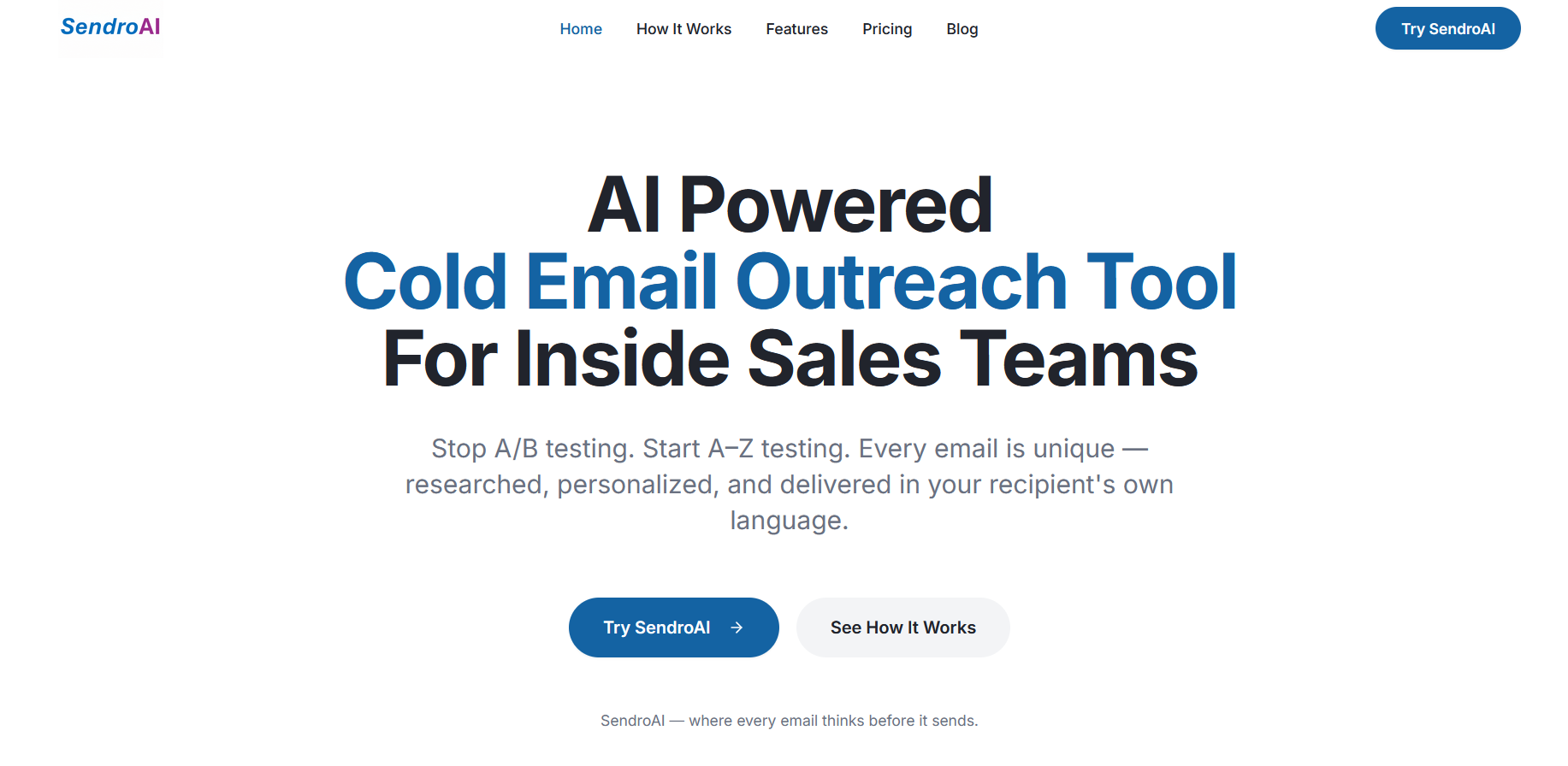
SendroAI is an AI-powered outbound email and sales engagement platform. It doesn't just generate emails — it researches each prospect, writes personalized messages, handles follow-ups automatically, and continuously optimizes performance.
Instead of blasting templates, it focuses on context-aware, one-to-one style outreach at scale.
Why This Tool Matters
Most AI email tools stop at 'here's a decent draft.' SendroAI goes further. It answers the real outbound question: How do you send hundreds of emails without sounding like you sent hundreds of emails?
In practice, this means fewer generic messages, better relevance, and higher reply rates over time. The platform is built around quality-first outbound, not volume-first sending.
Best For
- B2B sales teams
- SDRs and BDRs
- Founders doing outbound themselves
- Agencies running personalized outreach
- Global teams needing multilingual emails
Key Features
- AI-driven prospect research and personalization
- Fully automated email sequencing and follow-ups
- Continuous A–Z email optimization (no manual A/B testing)
- Multilingual campaign support
- Deliverability-conscious daily sending limits
Pros
- Emails feel genuinely human-written
- Automation without losing personalization
- Optimization happens in the background
- Scales relevance, not just volume
Cons
- No free forever plan
- Fewer native integrations than enterprise tools
- Daily send limits may feel conservative
Real-World Use Case
A small outbound team uploads a prospect list. SendroAI researches each company, writes tailored emails, schedules follow-ups, and keeps improving copy based on engagement — without the team touching workflows daily.
Mini Verdict
If replies matter more than raw send count, SendroAI is the most purpose-built outbound AI tool heading into 2026.
2. Lindy
What This Tool Does
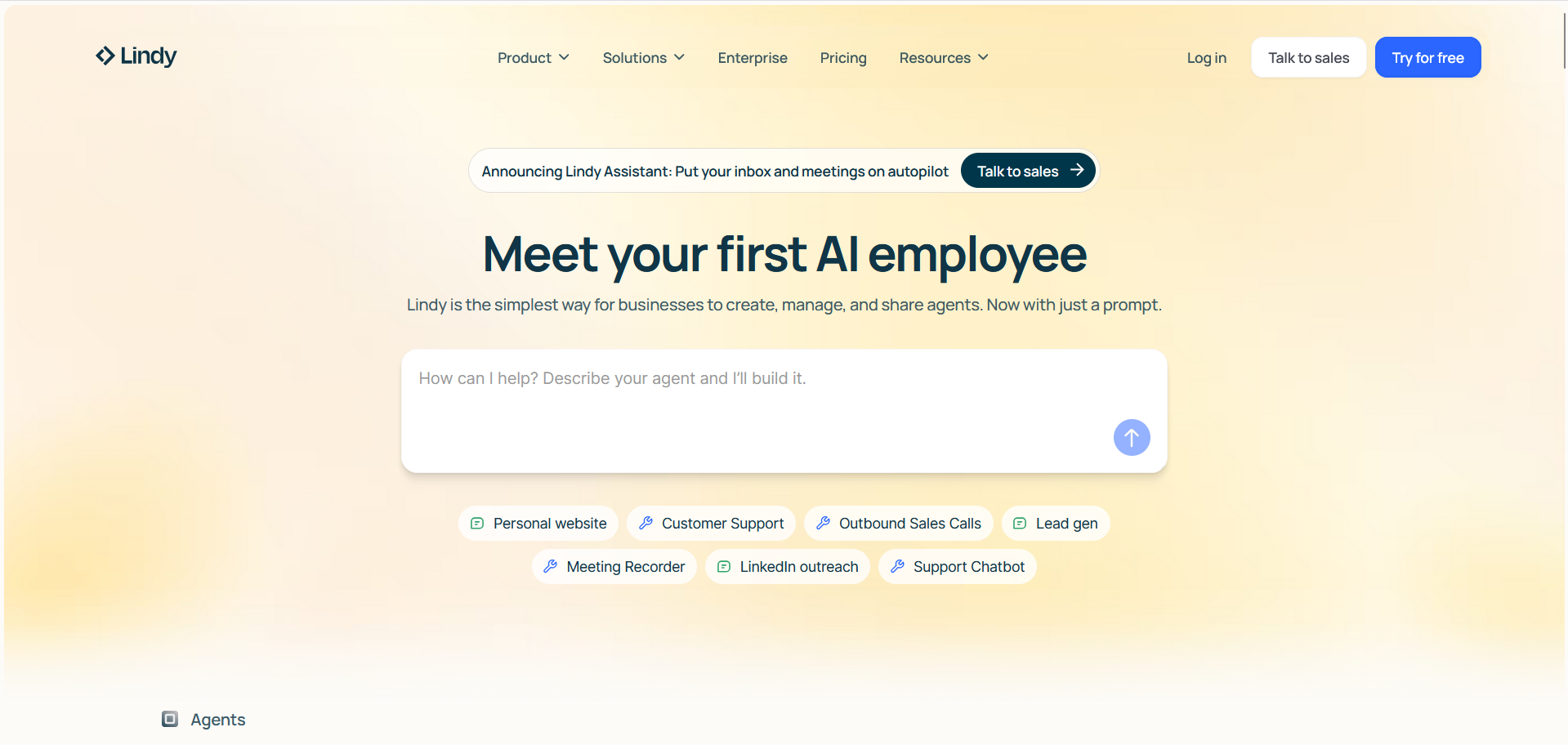
Lindy is an AI-powered email automation assistant that focuses on executing repetitive sales and email-related tasks. Instead of acting like a copywriter, Lindy behaves more like an AI operator. You define what you want done—send emails, follow up, move leads forward—and Lindy's AI agents handle the execution.
Think of it less as 'write me an email' and more as 'run this outreach process for me.'
Why This Tool Matters
For many teams, the biggest bottleneck isn't writing emails. It's managing everything around them—follow-ups, task switching, reminders, and internal handoffs. Lindy matters because it reduces that operational drag.
In practice, this is useful when email is part of a broader workflow, not a standalone task. Sales ops teams especially feel this pain once outreach volume increases.
Best For
- Sales teams with repeatable processes
- Ops-heavy outbound teams
- Founders automating internal workflows
- Teams experimenting with AI agents
Key Features
- AI-generated sales emails and follow-ups
- Custom AI agents for specific tasks
- Workflow-based automation logic
- Integration with external tools and systems
Pros
- Strong automation-first approach
- Reduces manual task switching
- Flexible, agent-based workflows
- Scales operational efficiency
Cons
- Setup can feel complex initially
- Costs increase with usage volume
- Less focus on copy quality itself
Real-World Use Case
A sales team sets up Lindy agents to automatically follow up with prospects, update CRM records, and notify reps when replies come in—without manual intervention.
Mini Verdict
Lindy is best when email is part of a larger automation machine. If your main goal is better-written emails, look elsewhere. If your goal is fewer manual steps, it's a strong contender.
3. MailMaestro
What This Tool Does
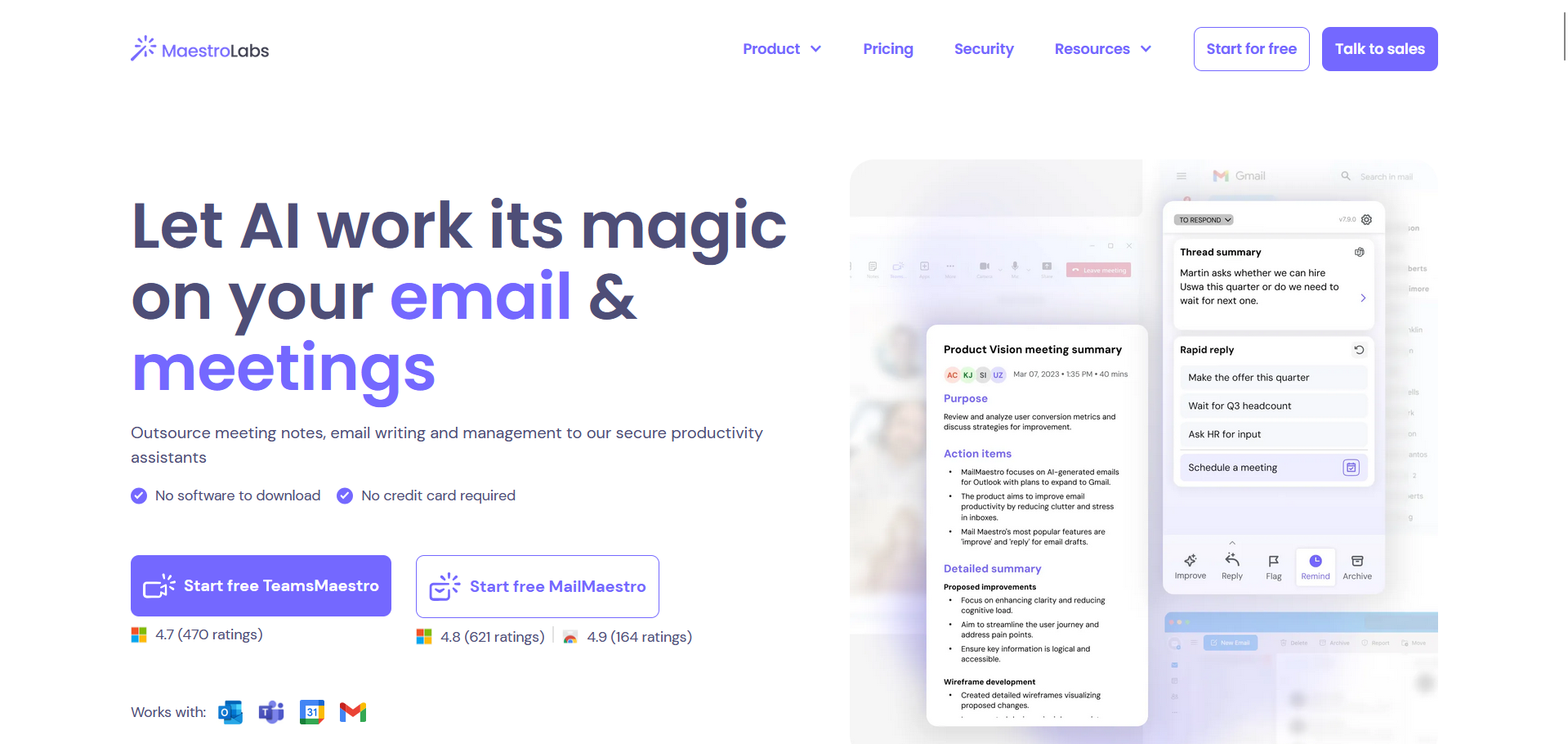
MailMaestro is an AI email assistant designed to help you write and reply to emails directly inside Gmail and Outlook. It focuses almost entirely on speeding up everyday inbox communication.
You click, it drafts. You tweak, you send.
Why This Tool Matters
Inbox overload is real. For managers, founders, and client-facing roles, writing emails isn't hard—it's constant. MailMaestro matters because it removes friction from that daily loop without forcing you to adopt a new platform.
It's not trying to reinvent email. It's trying to make replying less painful.
Best For
- Professionals with high inbox volume
- Managers and consultants
- Teams living inside Gmail or Outlook
Key Features
- One-click AI-generated replies
- Tone and length adjustment
- Inline Gmail and Outlook integration
- Thread-based rewrite suggestions
Pros
- Extremely fast to use
- Minimal learning curve
- Feels native to your inbox
- Saves time immediately
Cons
- Not built for campaigns
- Limited strategic customization
- No outbound automation
Real-World Use Case
A consultant uses MailMaestro to reply to client emails quickly, adjusting tone from formal to friendly depending on context, without rewriting from scratch.
Mini Verdict
MailMaestro is about speed, not scale. It's great for inbox efficiency, not outbound growth.
4. Copy.ai
What This Tool Does
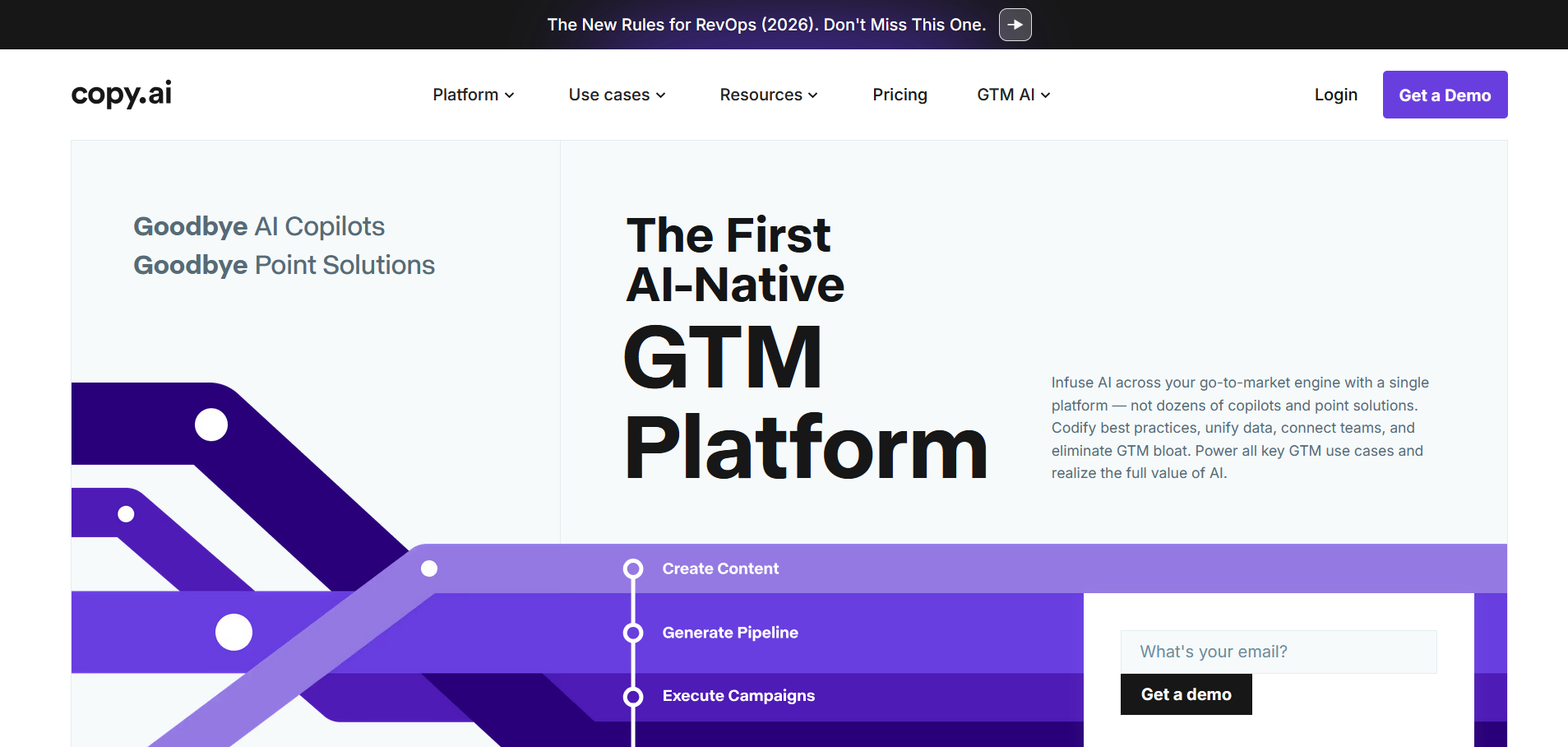
Copy.ai is an AI copywriting tool that helps generate marketing content, including email subject lines, promotional emails, and campaign snippets. It's built for ideation and drafting, not sending or sequencing.
You tell it what you're trying to say. It gives you options.
Why This Tool Matters
Staring at a blank page slows teams down. Copy.ai matters because it helps marketers get unstuck fast. It's especially useful early in the writing process, when structure and direction matter more than polish.
That's where it earns its place.
Best For
- Marketing teams
- Content creators
- Growth marketers
- Startups testing messaging
Key Features
- Email and subject line templates
- Campaign copy generation
- Multiple variations per prompt
- Broad marketing copy support
Pros
- Fast idea generation
- Easy to use
- Works across content types
- Scales well for teams
Cons
- Not email-specific
- No sending or automation
- Credit-based pricing can feel opaque
Real-World Use Case
A marketer uses Copy.ai to generate multiple versions of a product launch email, then refines and sends the final version through another platform.
Mini Verdict
Copy.ai is a strong starting point for copy, but it stops before execution.
5. Lavender
What This Tool Does
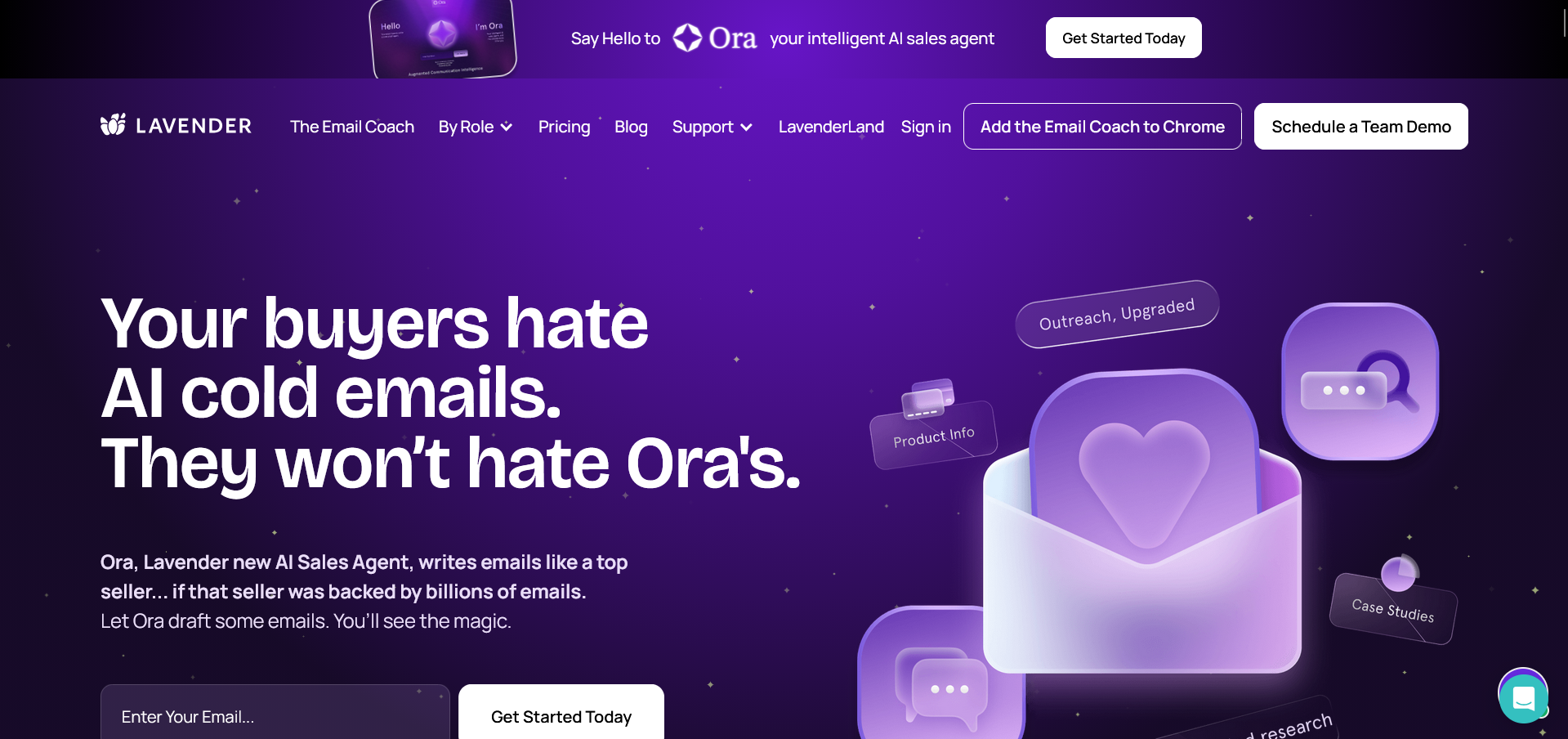
Lavender is an AI-powered email coaching tool that helps sales professionals improve outbound and follow-up emails. It analyzes what you write and gives real-time feedback on clarity, tone, length, and personalization.
It doesn't replace the writer. It improves them.
Why This Tool Matters
Many outbound emails fail for simple reasons—too long, too vague, too self-focused. Lavender matters because it fixes those issues while reps are writing, not after campaigns fail.
That feedback loop is valuable for teams ramping SDRs.
Best For
- SDR and BDR teams
- Sales leaders focused on training
- Reps writing emails manually
Key Features
- Real-time email scoring
- Personalization insights
- Clarity and tone suggestions
- Gmail and Outlook integrations
Pros
- Improves reply rates over time
- Excellent coaching tool
- Easy for reps to adopt
- Focused on sales outcomes
Cons
- Not a campaign tool
- No automation or sequencing
- Limited beyond outbound emails
Real-World Use Case
An SDR writes cold emails in Gmail while Lavender scores each draft and suggests tighter phrasing and clearer CTAs.
Mini Verdict
Lavender is best viewed as a sales coach, not an email engine.
6. Jasper
What This Tool Does
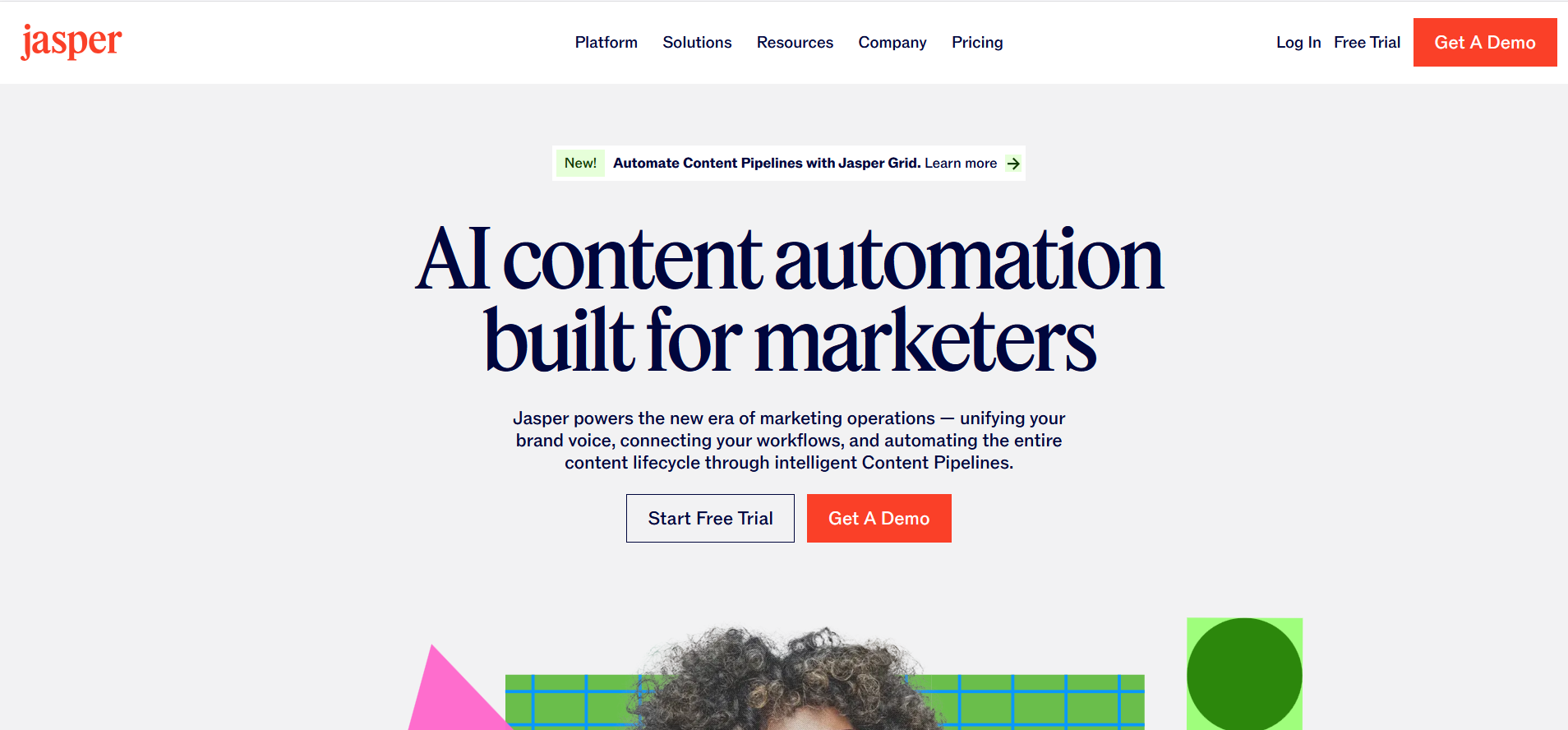
Jasper is a premium AI content platform designed to help teams create brand-consistent marketing content, including email campaigns. Its strength lies in maintaining tone and voice across many writers.
Why This Tool Matters
As teams grow, consistency breaks. Jasper matters because it acts as a central memory for how your brand sounds, which is critical for marketing emails sent at scale.
Best For
- Mid-to-large marketing teams
- Brands with strict voice guidelines
- Agencies managing multiple clients
Key Features
- Brand voice memory
- Campaign-level email generation
- Team collaboration tools
- Long-form and short-form support
Pros
- Strong brand control
- High-quality output
- Team-friendly workflows
Cons
- Higher price point
- Not email-native
- Overkill for small teams
Real-World Use Case
A marketing team uses Jasper to generate email campaigns that match brand tone across regions and writers.
Mini Verdict
Jasper excels at consistency, not automation.
7. Rytr
What This Tool Does
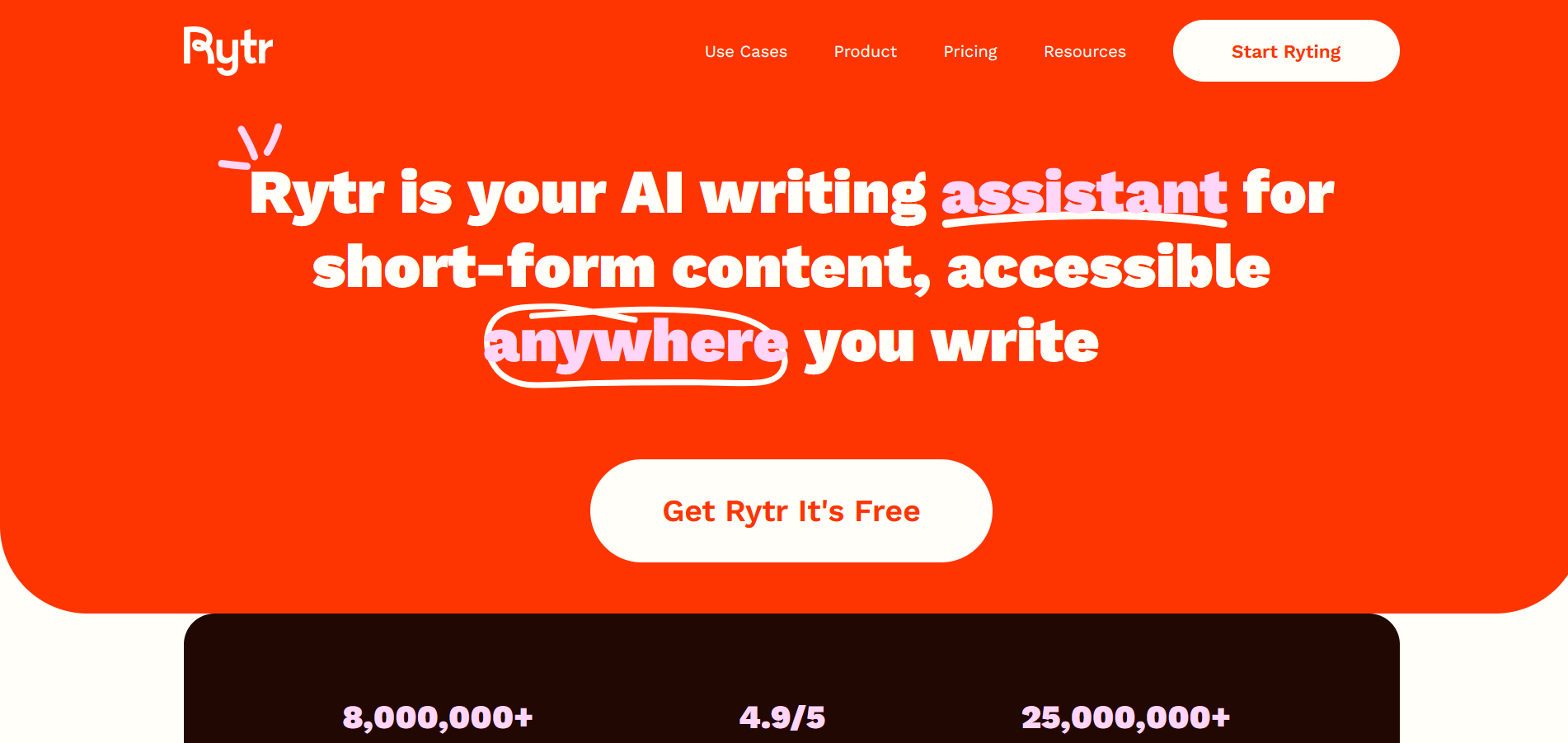
Rytr is a budget-friendly AI writing assistant designed to help individuals and small teams generate short-form content, including emails. It works primarily through templates and tone presets, allowing you to quickly draft emails without starting from scratch.
You choose the email type, set the tone, add a bit of context, and Rytr produces a draft you can edit and send.
Why This Tool Matters
Not every team needs advanced automation, sequencing, or AI research. Many people just want help writing clearer emails faster. Rytr matters because it lowers the barrier to entry for AI-powered email writing.
In practice, Rytr is often a first AI tool. It helps users move from 'I don't know what to write' to 'this is good enough to refine.'
Best For
- Freelancers and solopreneurs
- Small businesses on tight budgets
- First-time AI writing users
- Low-volume email needs
Key Features
- Email writing templates for common use cases
- Multiple tone options (formal, friendly, persuasive, etc.)
- Multi-language support
- Simple, distraction-free interface
- Unlimited output on higher-tier plans
Pros
- Extremely affordable compared to most AI tools
- Very easy to learn and use
- Fast turnaround for basic emails
- Good language and tone variety
Cons
- Output can feel generic without editing
- Limited personalization depth
- No automation, scheduling, or campaigns
- Not designed for sales or marketing workflows
Real-World Use Case
A freelancer uses Rytr to draft client follow-up emails, proposals, and basic outreach messages, then manually personalizes them before sending.
Mini Verdict
Rytr is best viewed as a starter tool. It's helpful, inexpensive, and simple — but you'll outgrow it once email quality or scale starts to matter more.
8. ChatGPT
What This Tool Does
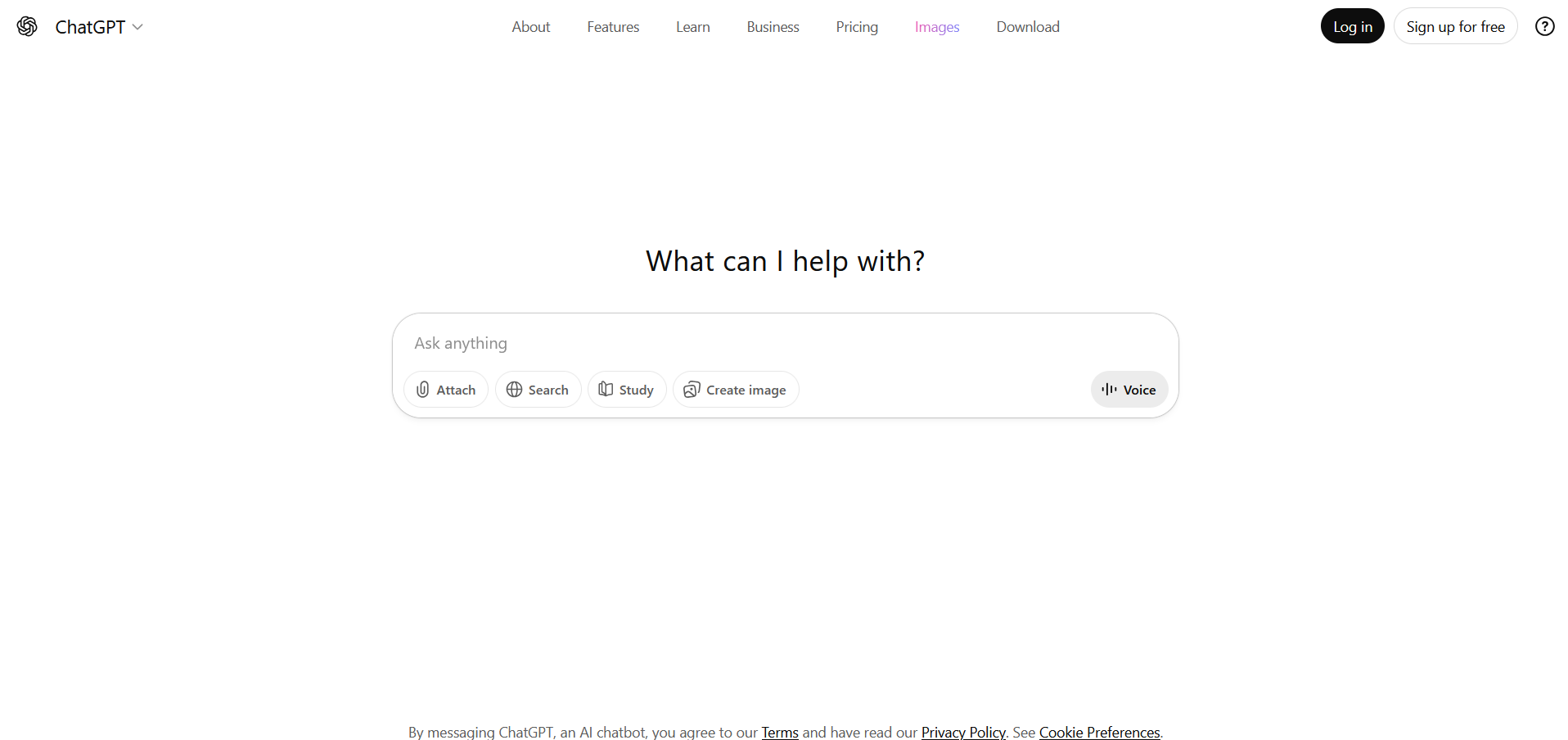
ChatGPT is a general-purpose AI assistant used to draft, rewrite, brainstorm, and refine email content through conversational prompts. Unlike dedicated email tools, it doesn't impose structure — everything depends on how you guide it.
You ask. It responds. You iterate.
Why This Tool Matters
ChatGPT matters because of flexibility. It can handle everything from cold outreach emails to delicate customer responses, internal announcements, or multi-step follow-up sequences.
That freedom is powerful, but it also means responsibility. The quality of output depends heavily on how clearly you prompt it.
Best For
- Founders and operators
- Marketers who like control
- Power users comfortable with prompting
- Teams using AI across multiple tasks
Key Features
- Custom prompts for any email type
- Tone, style, and length control
- Rewriting and summarization
- Brainstorming sequences and variations
- Works across many content formats
Pros
- Extremely versatile
- High-quality drafts with good prompts
- Useful beyond email (blogs, scripts, plans)
- Fast and responsive
Cons
- No built-in email sending or automation
- No native inbox integration
- Inconsistent brand voice without guidance
- Manual copy-paste workflow
Real-World Use Case
A founder uses ChatGPT to draft cold emails, rewrite replies, and test multiple versions of a follow-up message before choosing the best one.
Mini Verdict
ChatGPT is powerful but hands-on. It's best for people who enjoy shaping the output themselves rather than relying on a structured system.
9. SaneBox
What This Tool Does
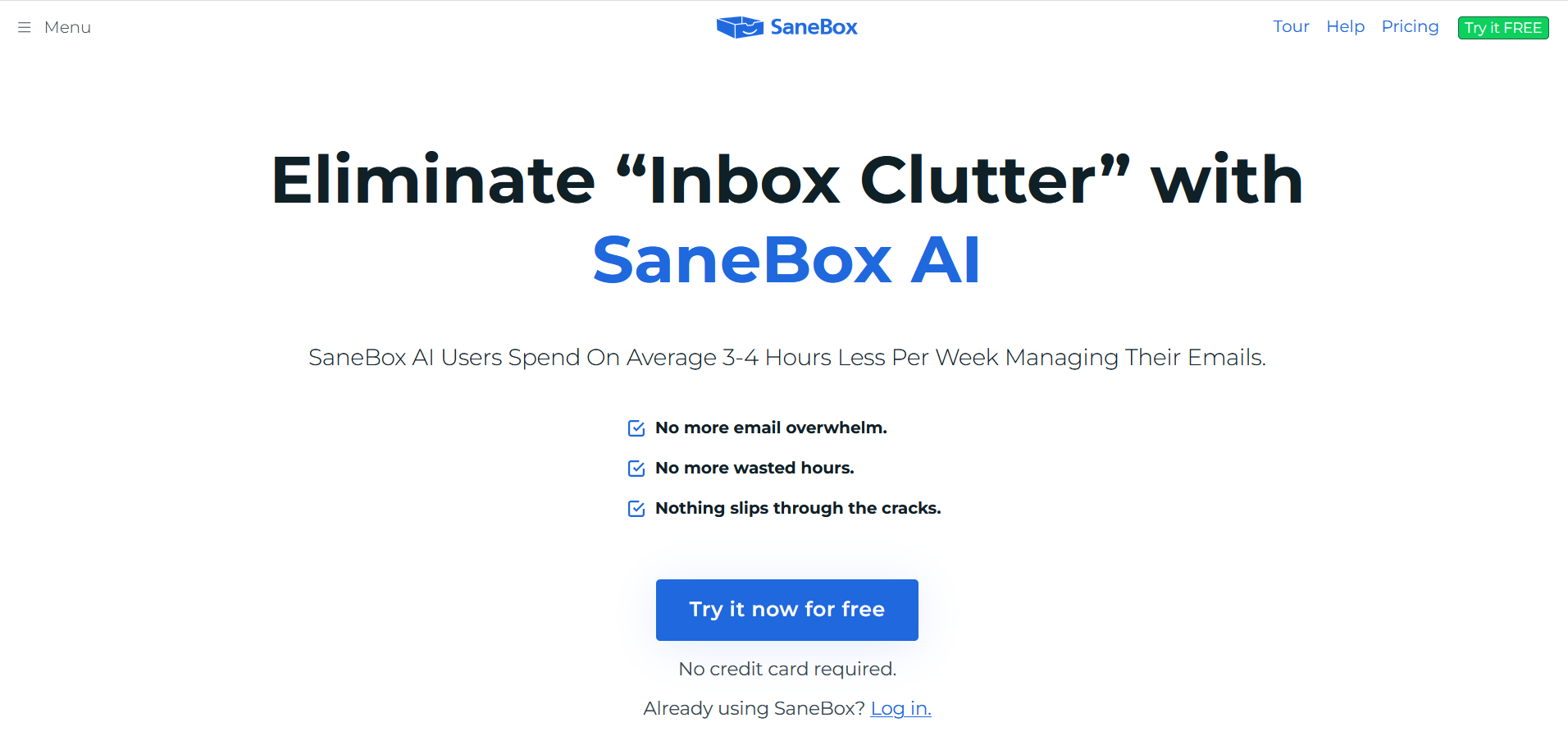
SaneBox is an AI-powered inbox management tool that focuses on organizing, prioritizing, and cleaning up incoming emails. It does not generate email content. Instead, it helps you see the emails that matter most.
It works quietly in the background by learning your behavior.
Why This Tool Matters
Email productivity isn't just about writing faster — it's about attention. SaneBox matters because it reduces inbox noise, which indirectly improves how you respond to important messages.
For people drowning in email, this can be more valuable than another writing tool.
Best For
- Executives and managers
- Professionals with overloaded inboxes
- Anyone struggling with email distraction
Key Features
- Smart filtering and prioritization
- Automatic 'low-priority' folders
- Follow-up and reminder nudges
- Snooze and defer options
- Works with most email providers
Pros
- Dramatically reduces inbox clutter
- No new app to learn
- Improves focus and response quality
- Works across Gmail, Outlook, IMAP
Cons
- Does not write emails
- Subscription cost for organization only
- Needs a learning period
- Not useful for outbound campaigns
Real-World Use Case
An executive uses SaneBox to filter thousands of daily emails, ensuring only high-priority messages reach their attention.
Mini Verdict
SaneBox is an inbox organizer, not an email writer. It's valuable for reducing noise but won't help you craft better messages.
10. MailerLite
What This Tool Does
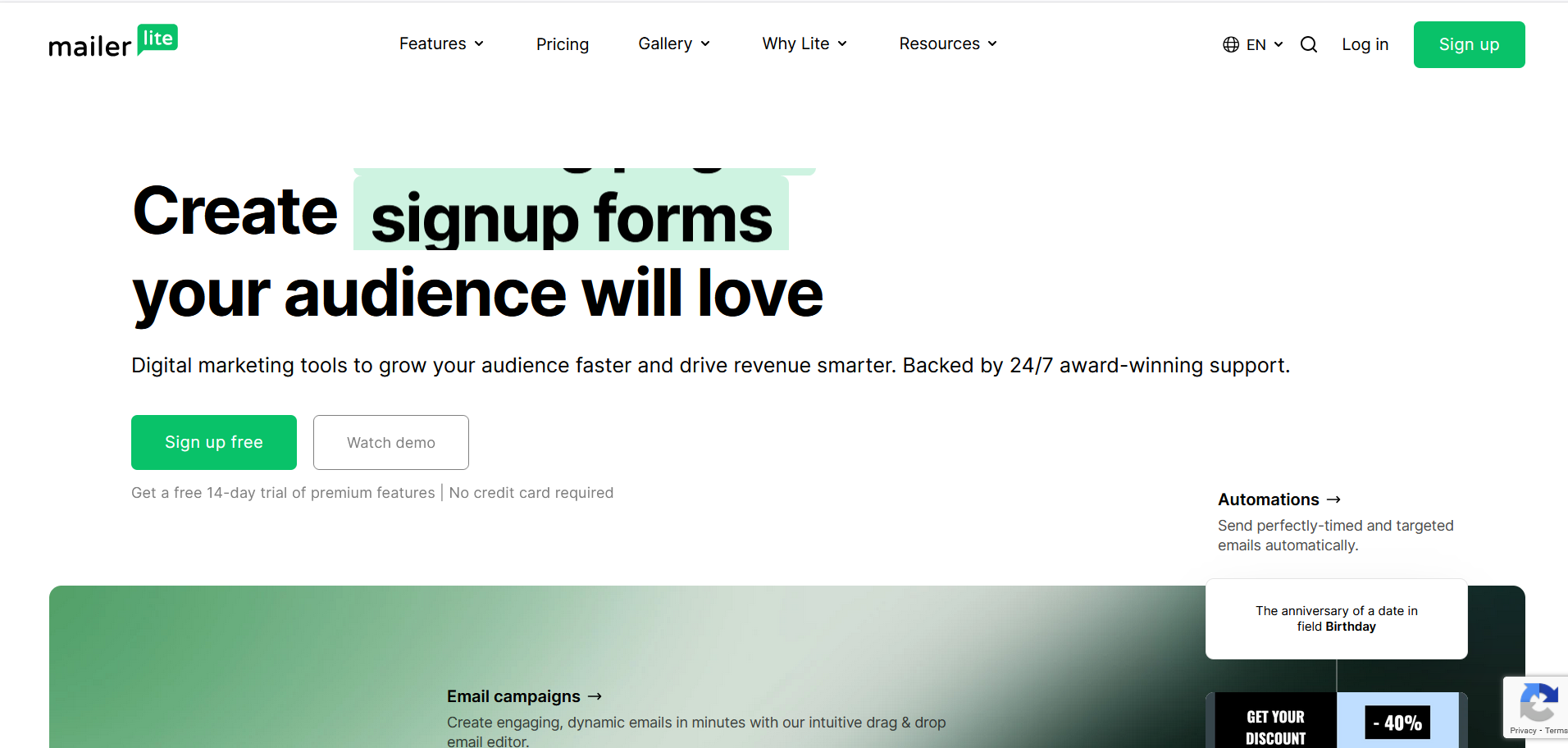
MailerLite is an email marketing platform with basic AI features to help small businesses and creators design, send, and optimize email campaigns without technical complexity.
Why This Tool Matters
MailerLite matters because it makes email marketing accessible. Its AI features assist with subject lines and content suggestions, but the platform's strength is simplicity and affordability.
Best For
- Small business owners
- Content creators and bloggers
- Newsletter publishers
Key Features
- AI subject line generator
- Drag-and-drop email builder
- Automation workflows
- Landing pages and signup forms
- Basic segmentation
Pros
- Very affordable
- Easy to use
- Good deliverability
- Free plan available
Cons
- Limited AI depth
- Basic automation
- Not for advanced outbound
Real-World Use Case
A content creator uses MailerLite AI to generate subject lines and send newsletters to a growing subscriber base.
Mini Verdict
MailerLite is great for simple email marketing with light AI assistance, but it won't replace dedicated outbound tools.
11. Google Gemini
What This Tool Does
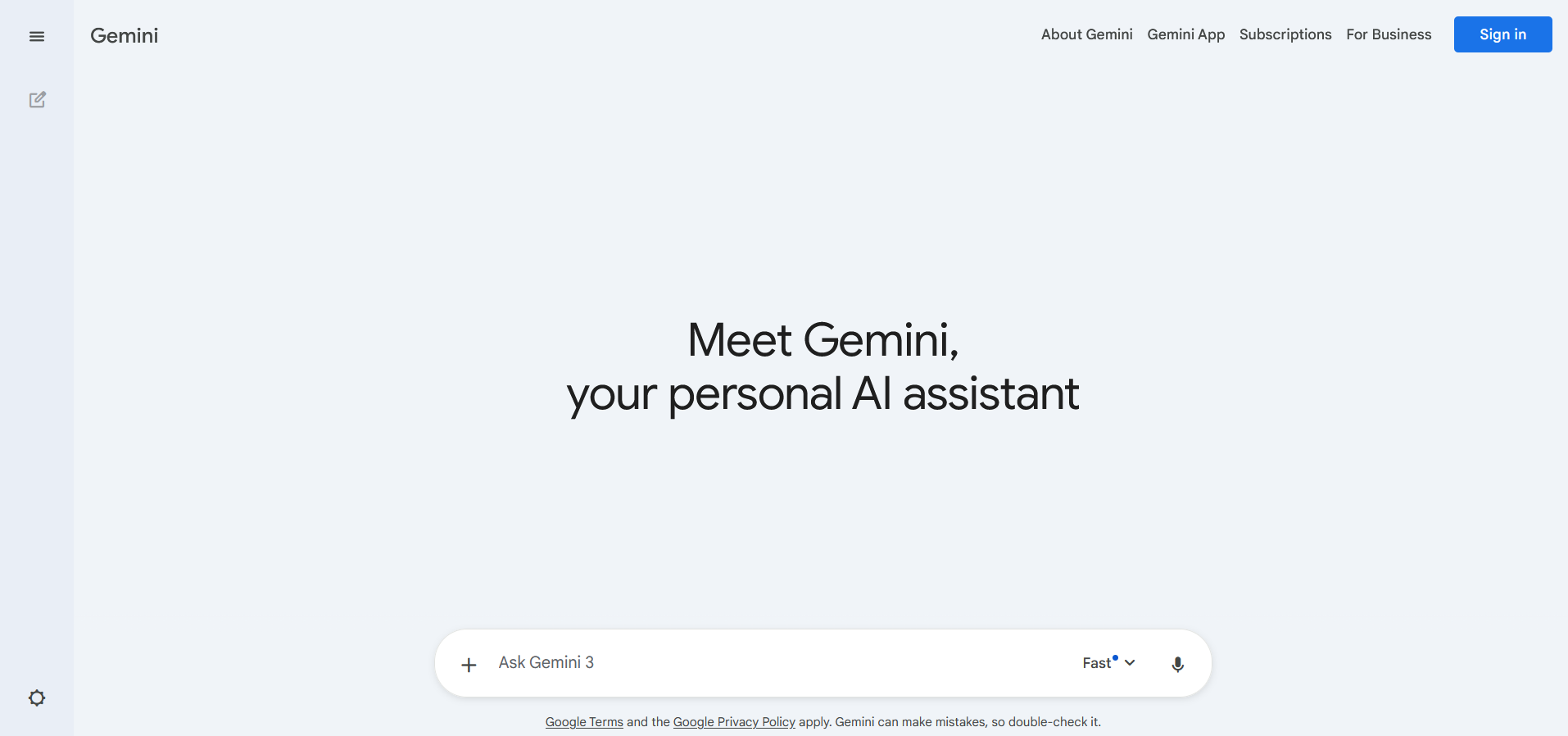
Google Gemini is Google's AI assistant integrated into Gmail, Docs, and other Workspace apps. It can help draft emails, summarize threads, and suggest replies directly within your existing workflow.
Why This Tool Matters
Gemini matters because of its deep integration with Google Workspace. If you already live in Gmail, it removes the need to switch contexts. The AI assistance feels native, not bolted on.
Best For
- Google Workspace users
- Professionals who want AI in their existing workflow
Key Features
- Email drafting in Gmail
- Thread summarization
- Smart reply suggestions
- Tone adjustment
Pros
- Deep Gmail integration
- No new platform to learn
- Helpful for quick replies
Cons
- Not for campaign sending
- Limited personalization depth
- Tied to Google ecosystem
Real-World Use Case
A professional uses Gemini to draft and summarize emails directly inside Gmail without opening another tool.
Mini Verdict
Gemini is convenient for Gmail users but not a replacement for dedicated email marketing or outbound tools.
12. Shortwave
What This Tool Does
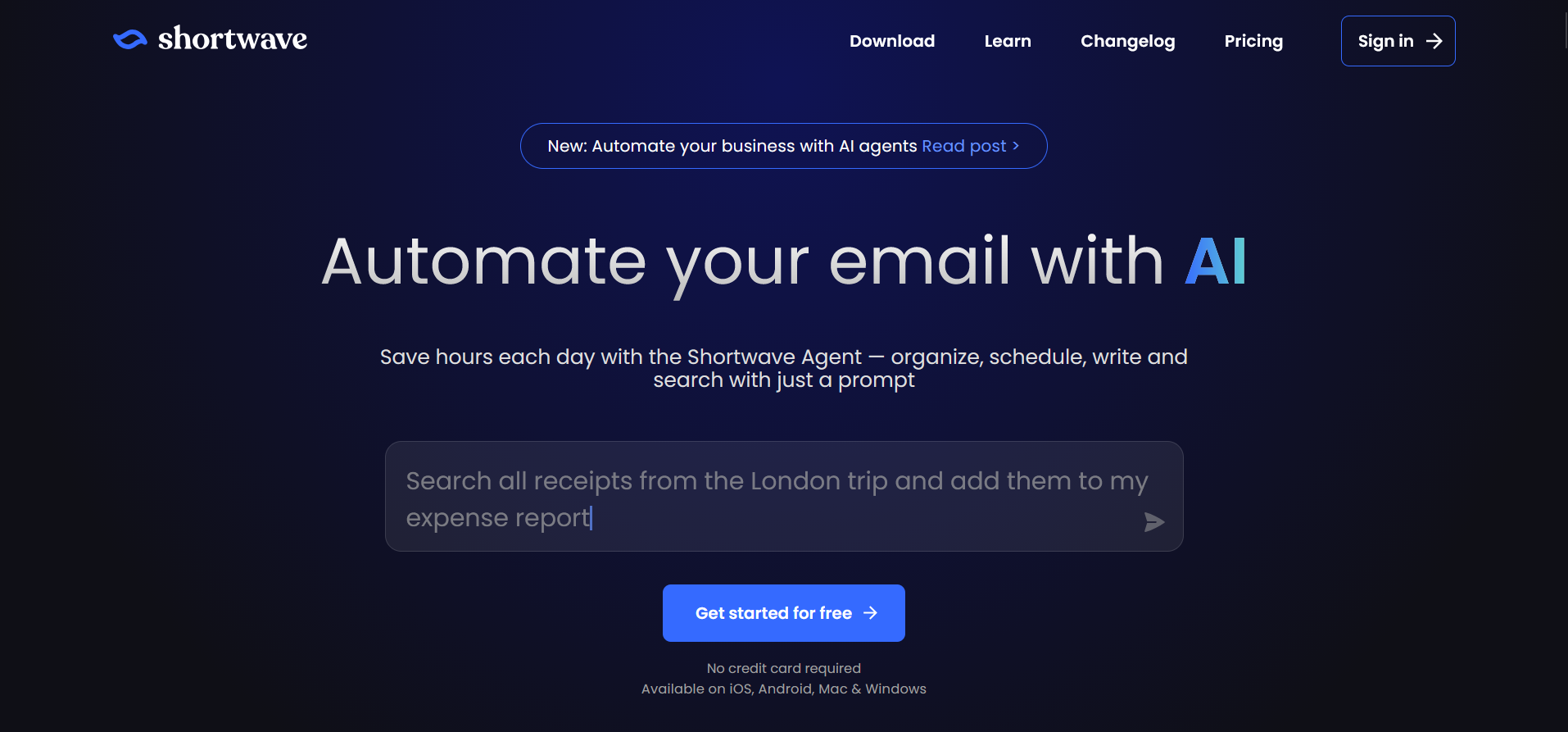
Shortwave is an AI-powered email client that reimagines the inbox experience. It uses AI to prioritize, summarize, and help you write emails faster, all within a modern interface.
Why This Tool Matters
Shortwave matters because it rethinks the email client itself. Instead of adding AI as a layer on top of traditional email, it embeds intelligence into every part of the experience.
Best For
- Gmail users
- Professionals wanting a smarter inbox
Key Features
- AI-powered inbox prioritization
- Email summaries
- AI-assisted writing
- Snooze and bundling
Pros
- Modern, fast interface
- AI helps reduce inbox overwhelm
- Great for daily email management
Cons
- Gmail-only
- Not for campaigns
- Still maturing as a product
Real-World Use Case
A busy professional uses Shortwave to triage hundreds of daily emails, using AI summaries to decide what needs immediate attention.
Mini Verdict
Shortwave is a smart email client for individuals, not a tool for running email campaigns at scale.